Back to Projects
Completed Project
Task Tracker – Full Stack CRUD App
Full-stack Task Tracker application with React, Node.js, Express, and MongoDB. Features CRUD operations, search, filtering, sorting, pagination, dark mode, toast notifications, and responsive design.
|

RoleFull Stack Developer
TimelineJun 2026
TeamPersonal Project
Tech Stack7 Technologies
Mission Brief
A robust full-stack task and project tracking web application built using the MERN stack. Designed with clean architectural separation between the React client and Express REST backend, it provides responsive task management, multi-field filtering (by status, priority, and date), full-text search, server-side pagination, toast alerts, and a polished dark/light mode UI.
Key Features
Productivity & Management
- Full CRUD Operations: Seamless creation, reading, editing, and deletion of project tasks
- Advanced Search & Filtering: Dynamic query filtering across priority tags, categories, and due dates
- Server-Side Pagination: High-efficiency cursor pagination handling large task lists seamlessly
UI & Developer Experience
- Fluid Theme Switcher: Instant smooth transition between dark and light color modes
- Toast Notification System: Instant user feedback on asynchronous network requests
- Responsive Design: Fully fluid layouts tailored for mobile, tablet, and desktop viewports
Engineering Chronicles
Debouncing search inputs across high-frequency keystrokes to prevent backend API request spam.
SolutionCreated a custom React `useDebounce` hook with a 300ms delay window, reducing redundant server queries by 85%.
Visual Gallery
IMG_01
Installation Instructions
1. Clone and Install
$git clone https://github.com/KartikSharma4448/task-tracker.git
$cd task-tracker
$cd backend && npm install
$cd ../frontend && npm install
2. Run Development Servers
$# In backend:
$npm start
$# In frontend:
$npm run dev
Project Access
Technologies
React
Node.js
Express
MongoDB
JavaScript
Tailwind CSS
REST API
Table of Contents
- • Mission Brief
- • Key Features
- • Engineering Chronicles
- • Visual Gallery
- • Installation Instructions
Back to Projects
More Projects
Completed
PRANAG AI – Web Platform
React.js • AI & Machine Learning
Completed
AI Livestock Diagnostic Mobile App
Flutter • Mobile & On-Device AI
Completed
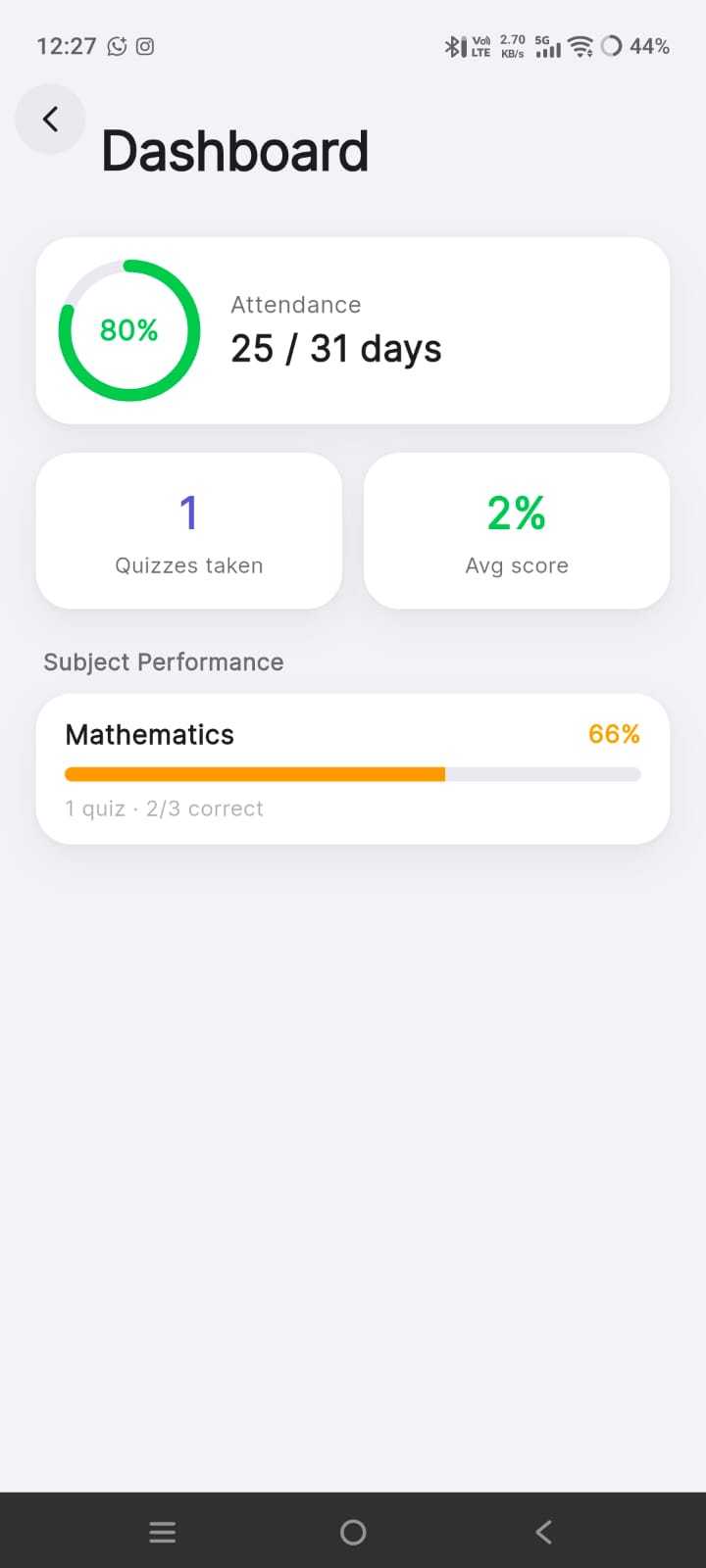
VCC ERP – Coaching Institute Management
Flutter 3.41 • Full Stack & ERP Ecosystem
Completed
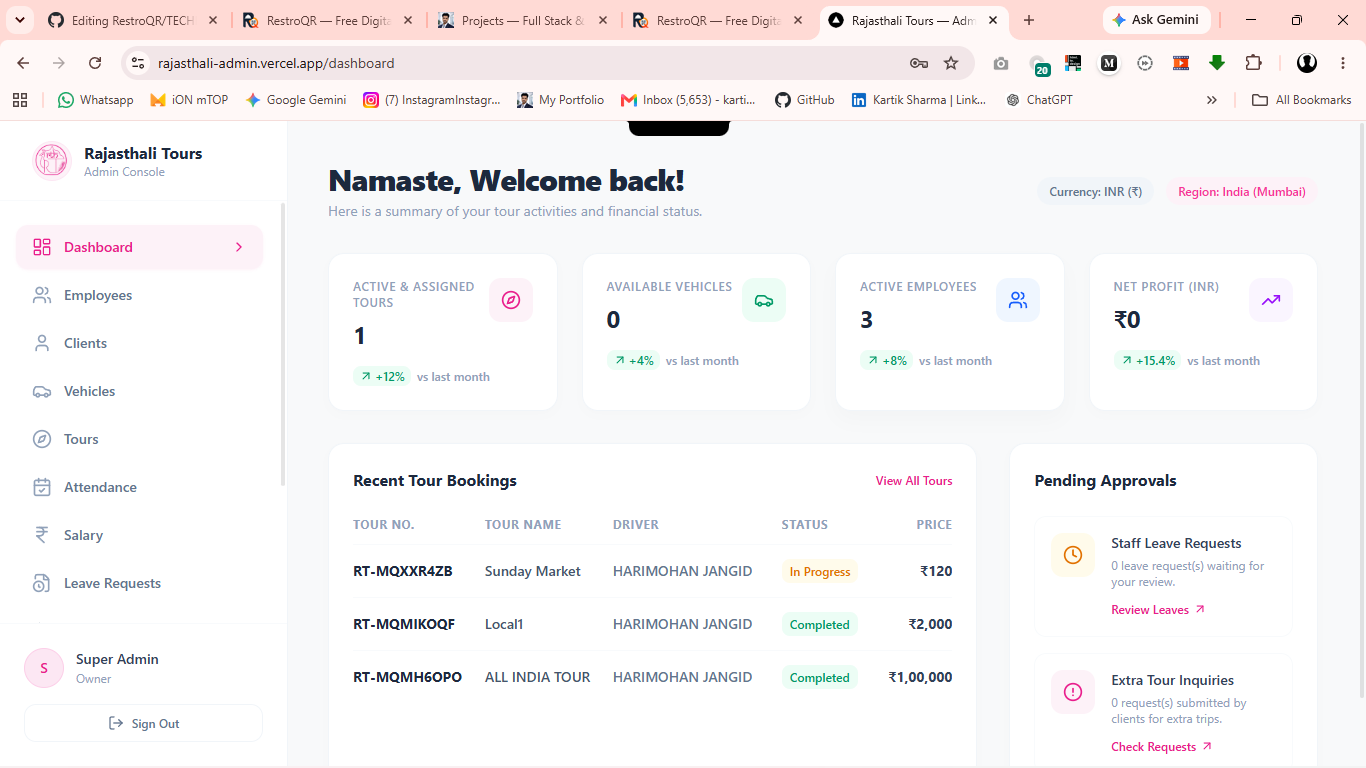
Rajasthali – Travel & Fleet Management System
Flutter 3.7+ • Fleet & Mobile Logistics
Completed
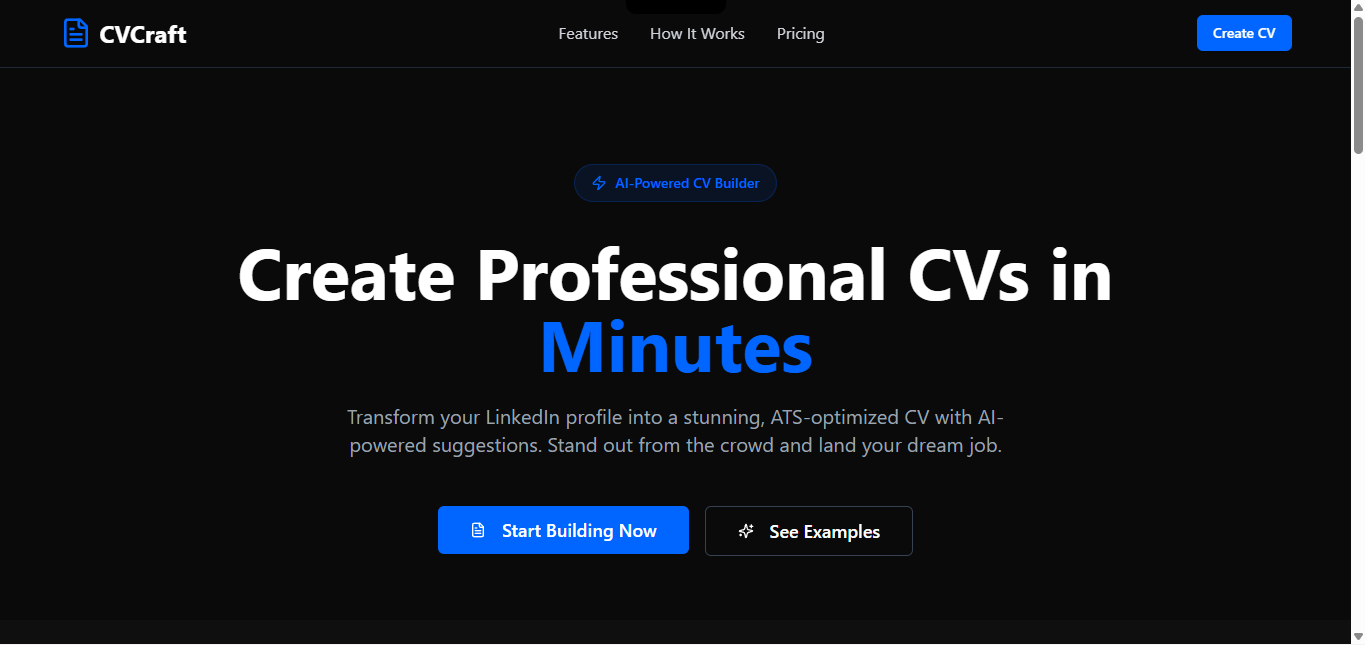
CVCraft v2 – AI-Powered ATS Resume Builder
FastAPI • AI & Full Stack Web App